
The November Acoustic Connect release gives marketers greater visibility, control, and efficiency. These updates help you understand audience growth, spot engagement trends across the lifecycle, and build smarter segments with less effort, so you can quickly turn insight into action.
What’s new in this release 👇
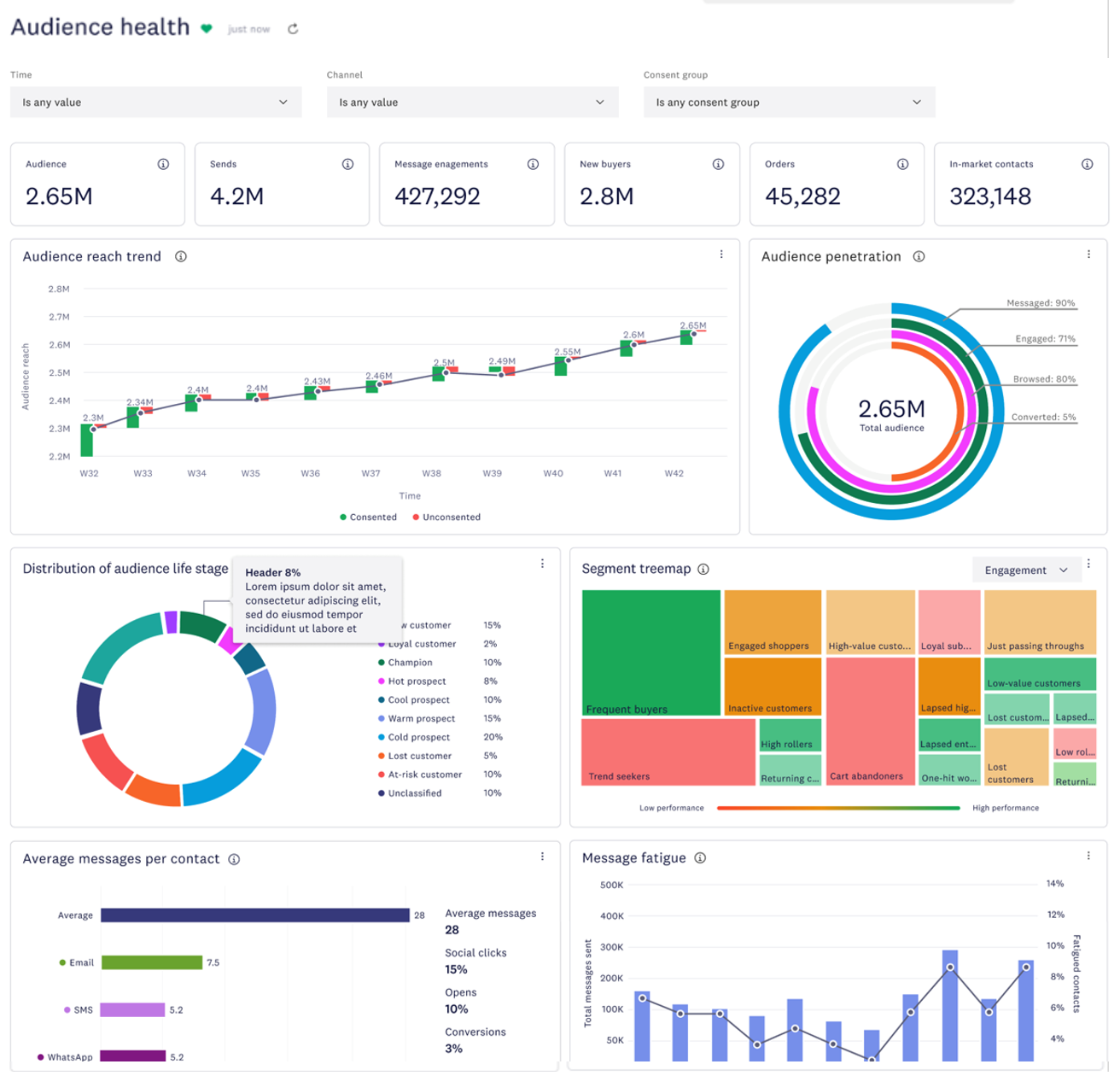
📊 Audience health dashboard
Get a clear, holistic view of performance in one place. Identify which consented audiences are driving results, where engagement may be dropping, how message frequency impacts fatigue, and how performance changes over time.
Where to navigate:
Insights → Audience analytics → Audience health
View and use the metrics to make changes in campaigns to improve your reach, engagements, and overall audience health. Learn more
🔄 Behavior attributes for re-engagement
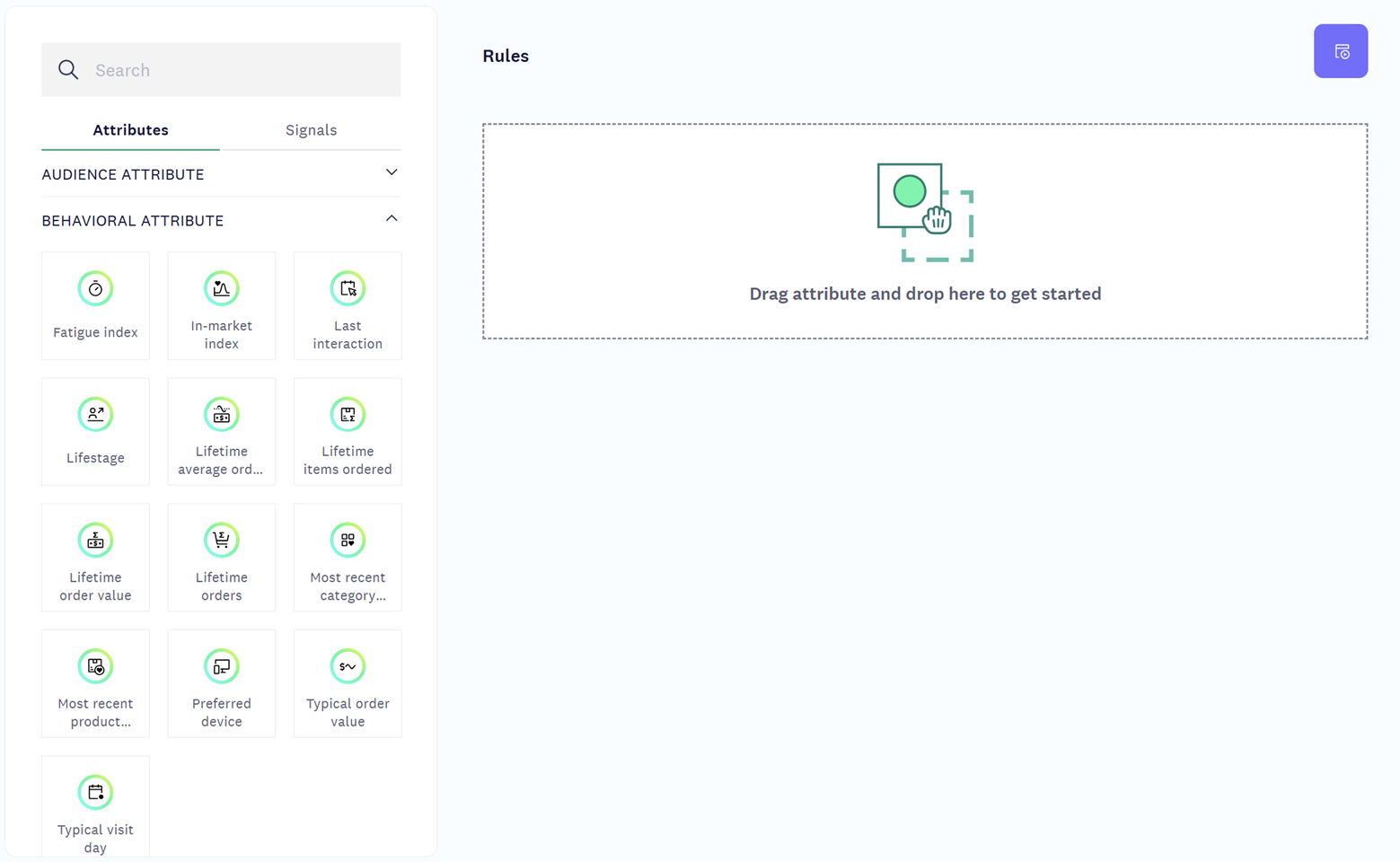
Re-engage customers more effectively across the lifecycle using new behavioral attributes like fatigue index, life stage, preferred device, and last interaction.
Where to navigate:
Segments → Create new segment → Attributes → Behavioral attributes
Ultimate and Premium Connect users have access to behavioral attributes. Use the new attributes for re-engagement efforts. Learn more
🎯 Segmentation enhancements
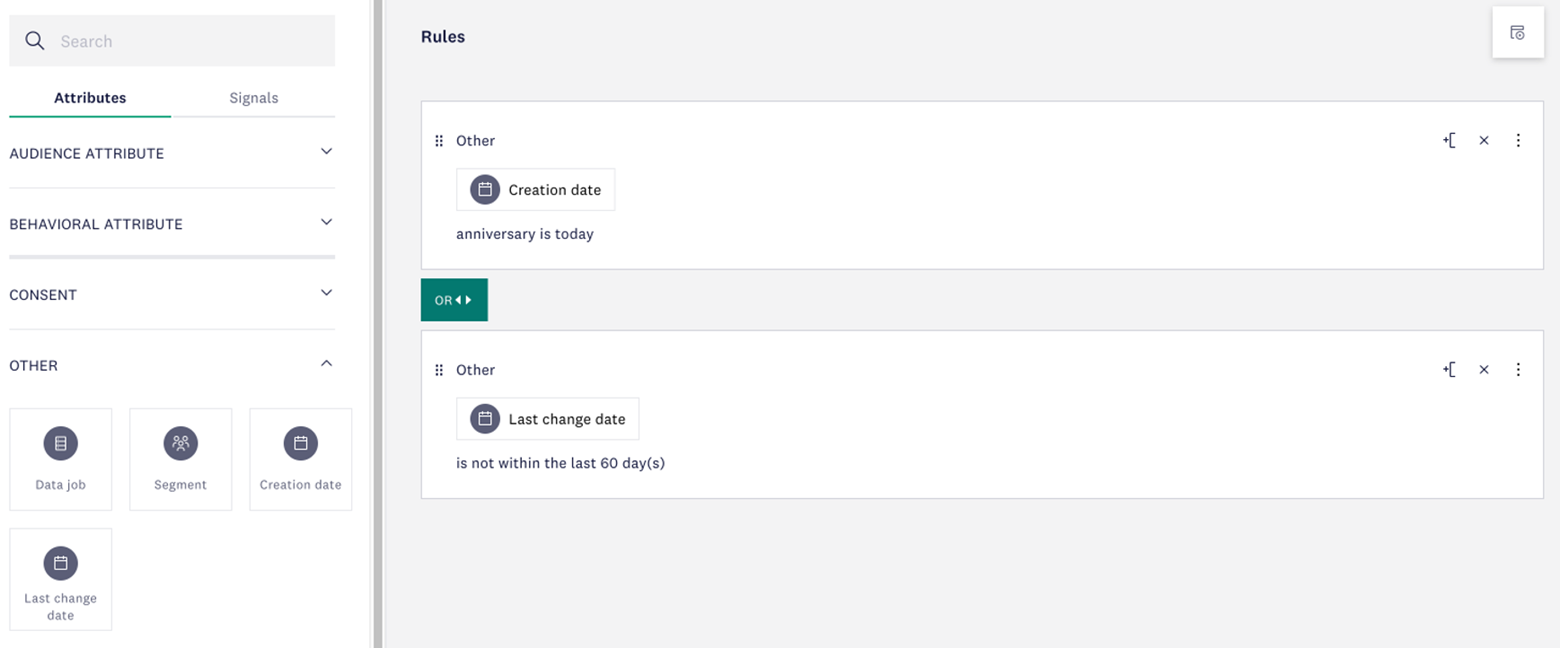
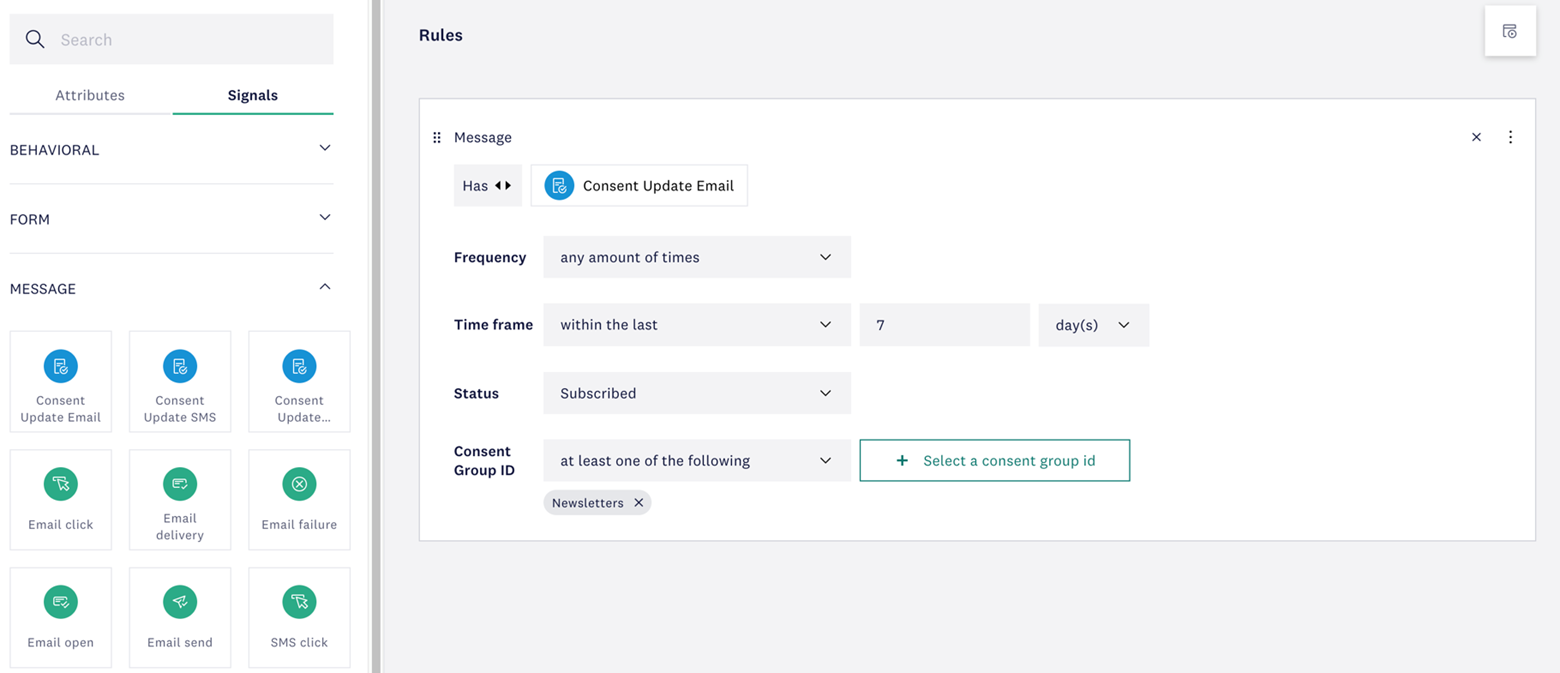
Build more precise segments with new filters for contact creation or modification dates, consent changes, and anniversary-based attributes using send month. Need additional flexibility? Our support team can help extend your segment rules.
Where to navigate:
Segments → Create new segment → Attributes & Signals
Segment based on last modification and creation date of a contact. Additionally, segment based on consent change signals such as when a contact newly opts in to an additional channel or opts out of receiving newsletters. Learn more
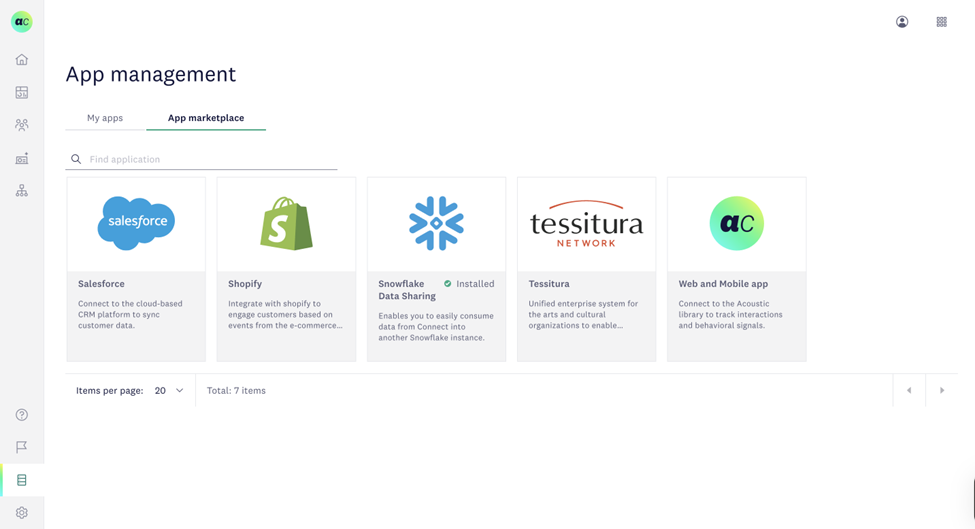
🔗 Salesforce integration improvements
Keep your data clean and more relevant with new ingress filtering, allowing you to choose exactly which Salesforce CRM records sync into Acoustic Connect for more efficient system alignment.
Where to navigate:
Data management → App management
Filter which Salesforce CRM records you want to send to Connect for a more streamlined experience. Learn more
🗂️Bulk data management
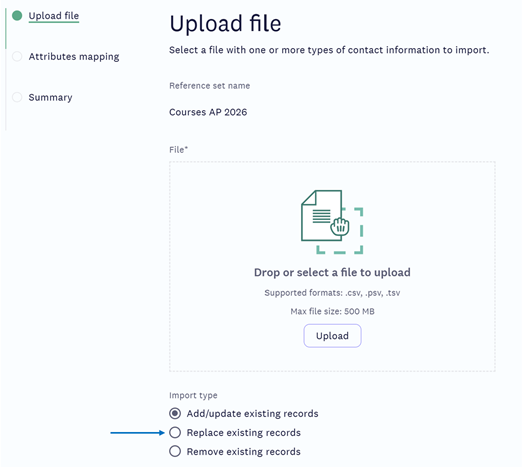
Update large reference sets in seconds using a single file upload. Skip the manual work and manage data faster with fewer steps.
Where to navigate:
Data management → Reference sets
Instead of manually cleaning up bulk data, replace reference set data in bulk with the most recent file upload. Learn more
These enhancements help you transform data into decisions — and decisions into action, so you can move faster, stay informed, and deliver better customer experiences at every stage.
Please sign in to leave a comment.
Comments