
Acoustic Connect's latest release gives marketers sharper control across the full campaign lifecycle. Capture the right behavioral signals, prove what messages perform, and ship at peak volume without leaning on other teams. You now have what you need to move quicker, personalize deeper, and stay close to your customers at every turn.
Here's what's new and where to find it:
Pace your highest volume sends with confidence
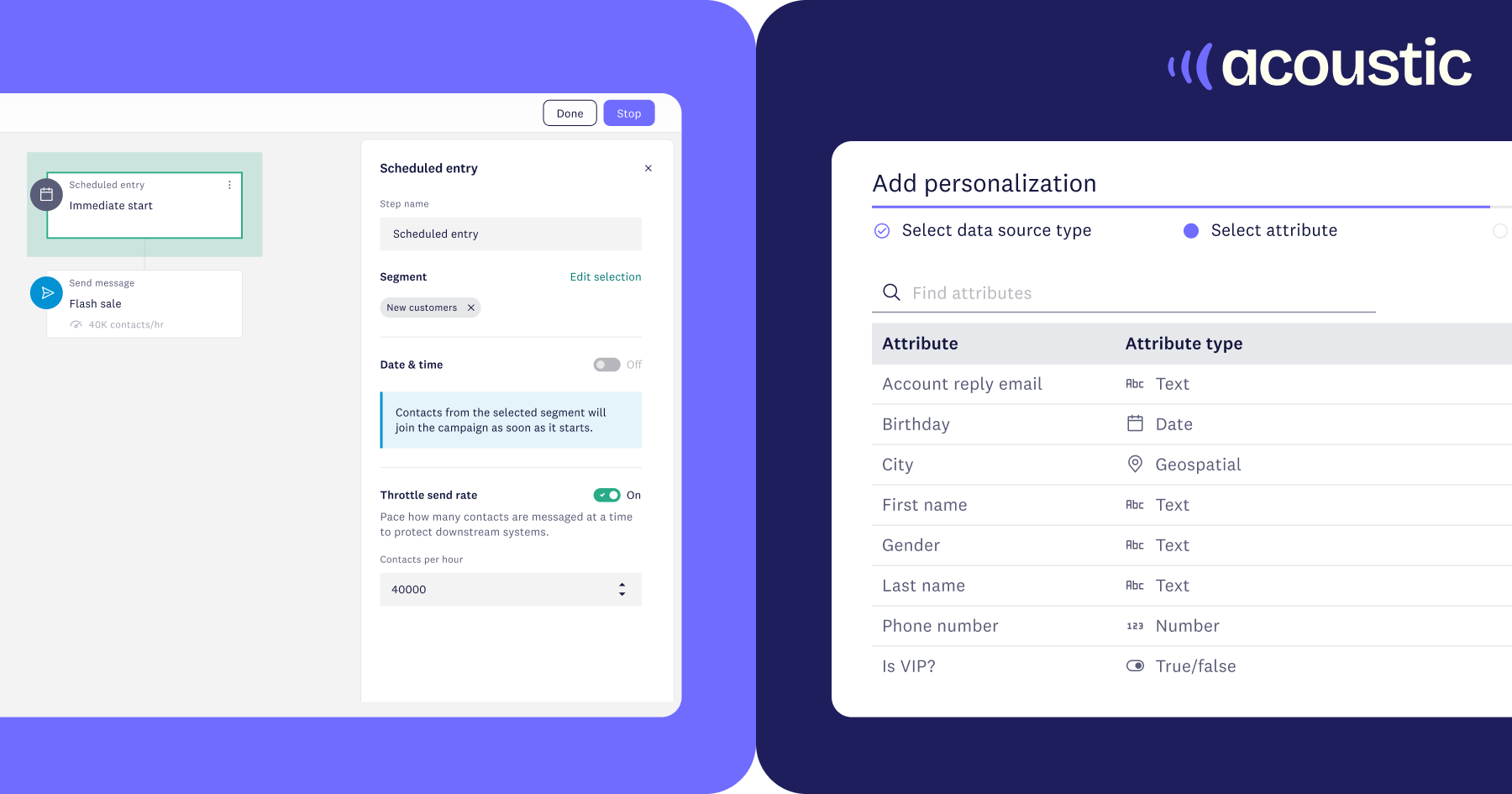
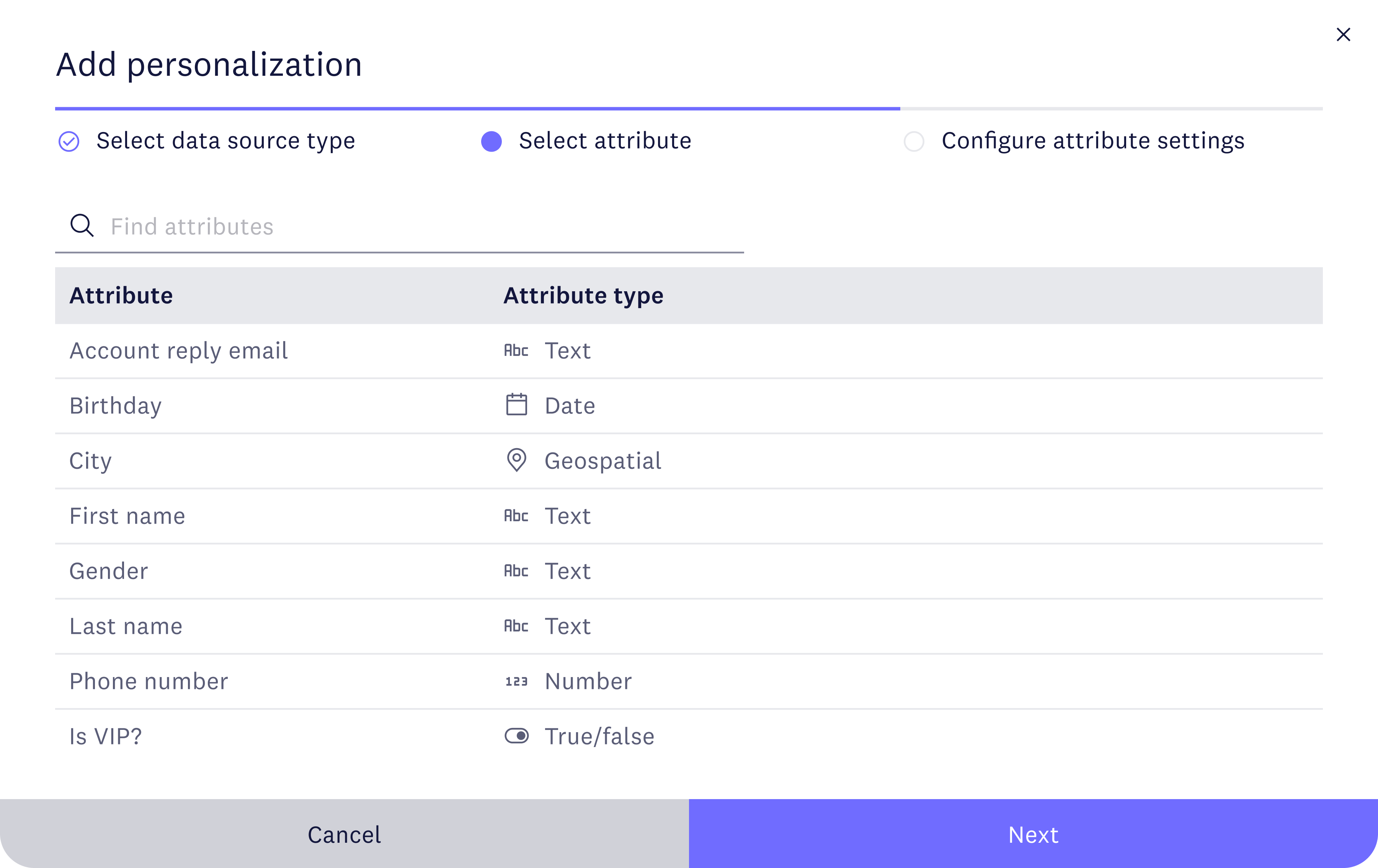
Ship high-volume campaigns without the stress with send rate throttling. Define a maximum contacts-per-hour pace inside the campaign canvas and watch a live delivery estimate update as you configure.
➡️ Available in the right panel of the campaign canvas when you configure the Scheduled Send entry step of a multi-step campaign. Learn more
Display dates and numbers the way customers read them
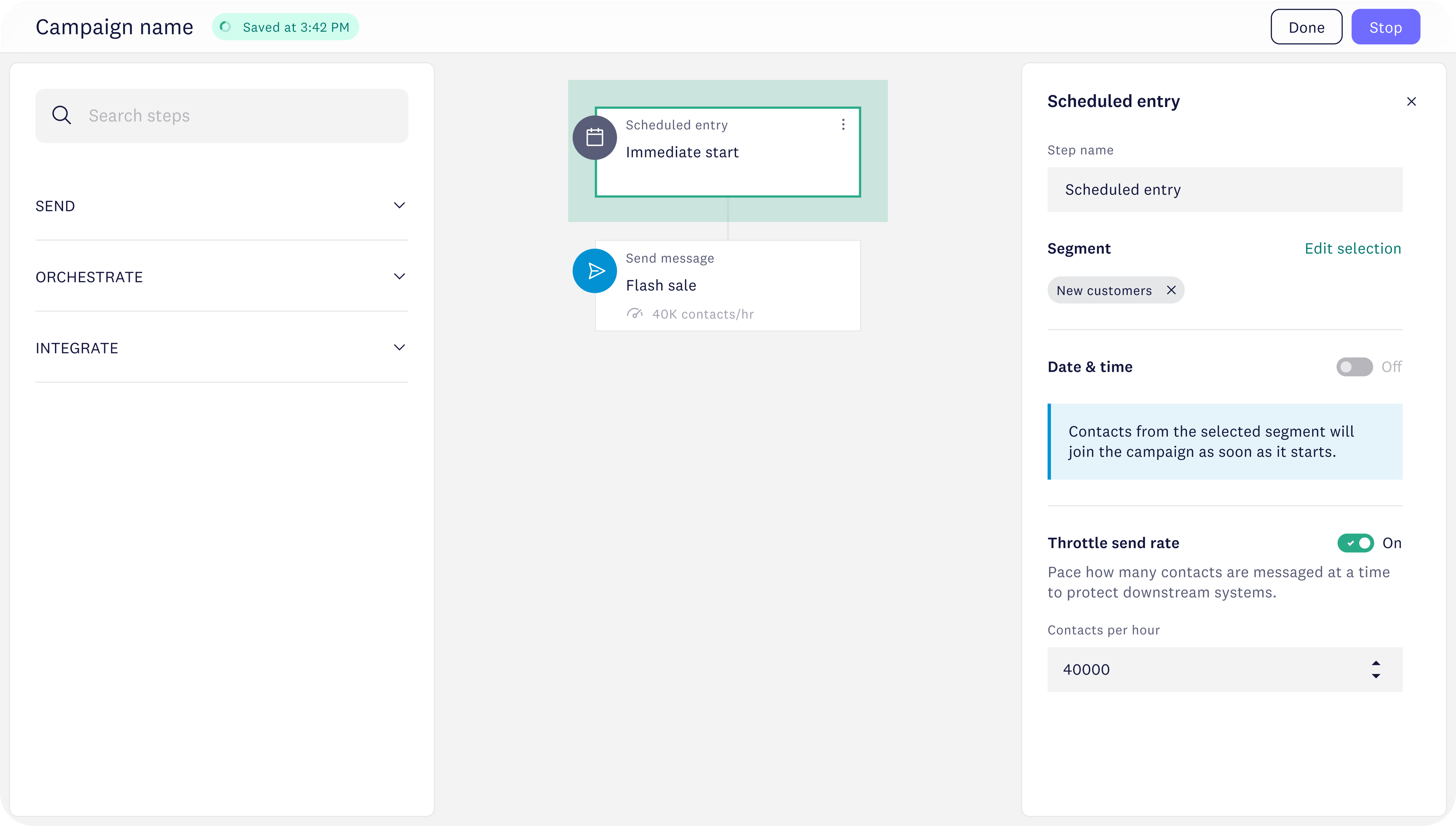
Format timestamps, dates, and numeric values in your message copy — directly from the composer, without altering the source.
➡️ Access it in Content Studio when composing a message. Open a text block in your draft message, clicking Insert personalization, choosing a date or number attribute, and toggling edit format on under configure attribute settings. Learn more
Validate your signals before they go live
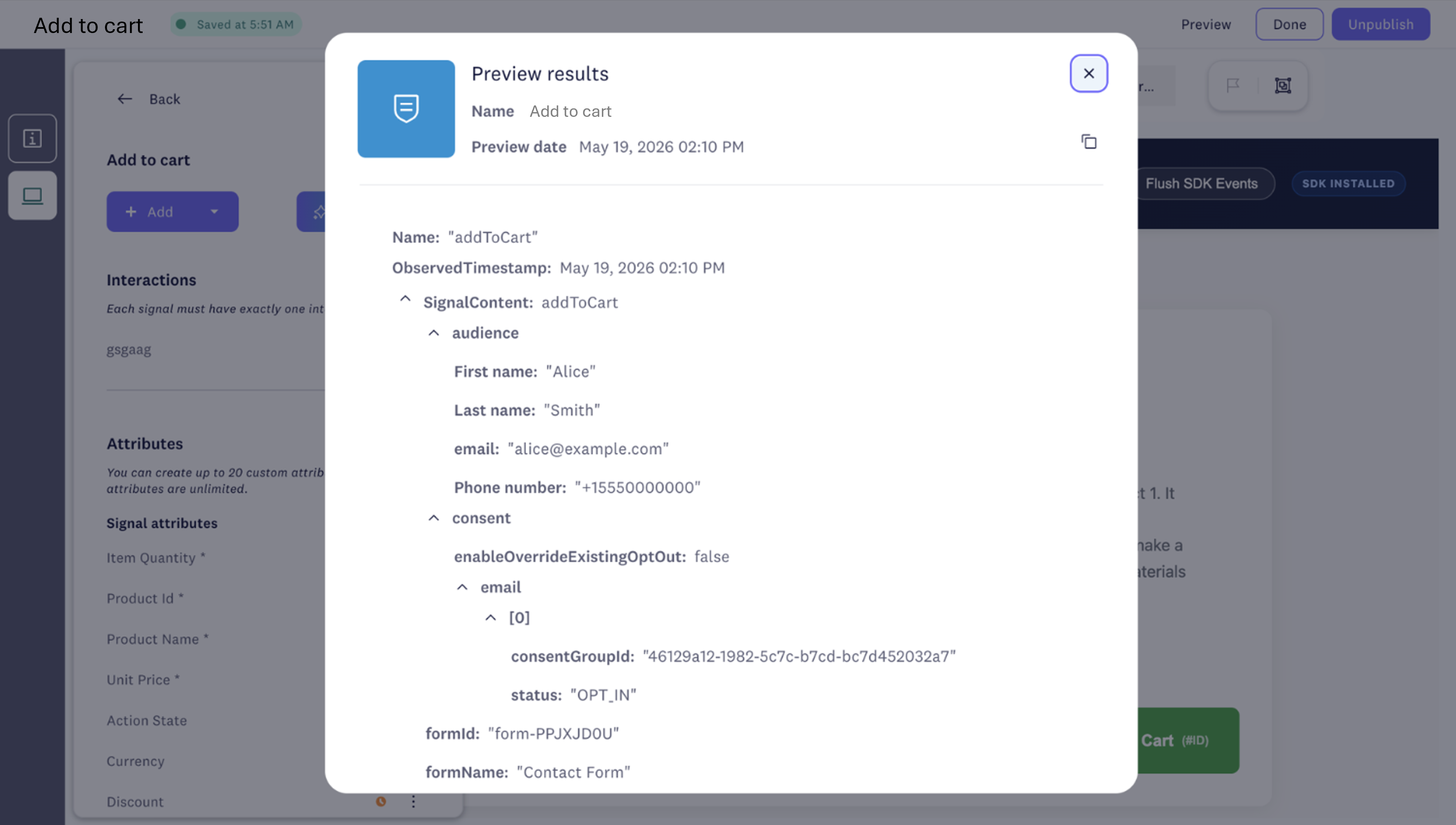
Marketing and web ops can now test signals on a live page and confirm they're firing as expected using signal composer preview — no data admin or engineering hand-off needed.
➡️ Open the signal definition in Signal Composer and use the new preview option, located on the top right on any in-progress signal. Learn more
See every signal that fired in a session
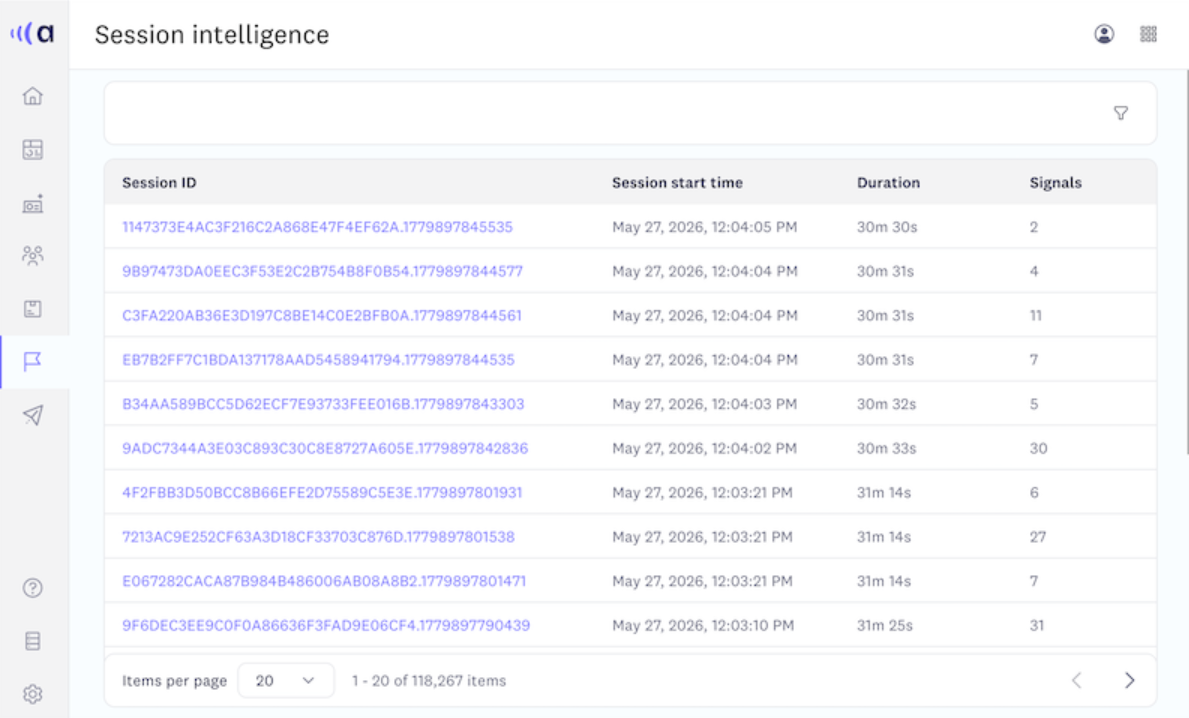
With session intelligence, trace every signal back to the moment it fired. Look up any session by contact, device, or session ID to walk through the signal timeline and check it against the actual customer journey.
➡️ Head to Behavior studio, then select Session Intelligence to start exploring sessions (available in Acoustic Connect Premium and Ultimate). Learn more
Run split-tests inside a single campaign
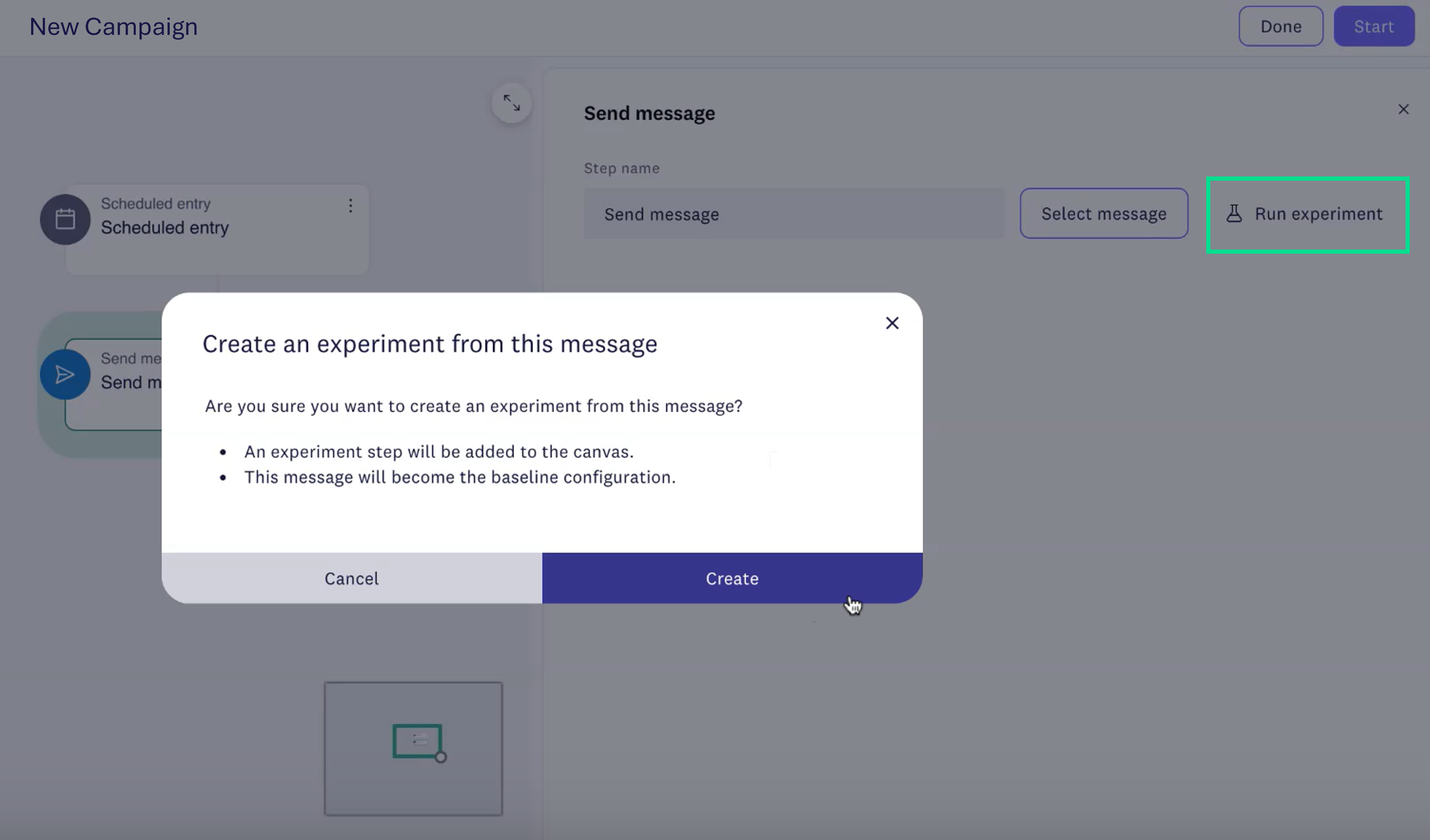
Test subject lines, CTAs, and content variants against each other inside one campaign — with consolidated reporting in a single view.
➡️ Go to Campaigns, look for the testing option to run the experiment when building a scheduled entry into a multistep campaign and one-time send message. Learn more
Your next campaign could be your most impactful one yet. Explore how June's release strengthens your lifecycle programs and unlocks more of what Acoustic Connect can do.
Get the full breakdown here!
Please sign in to leave a comment.
Comments